- ¿Cómo obtienen los alumnos una cuenta?
- Añades sus nombres a una clase; lo más rápido es pegar una lista desde tu registro. Abren la página de acceso, escriben el código de la clase que está en la pizarra, tocan su propio nombre y eligen un PIN de cuatro cifras. Esa es la cuenta. Nunca se recopila el email de un alumno y no hay contraseña que puedan perder.
- ¿Puedo poner deberes y recogerlos?
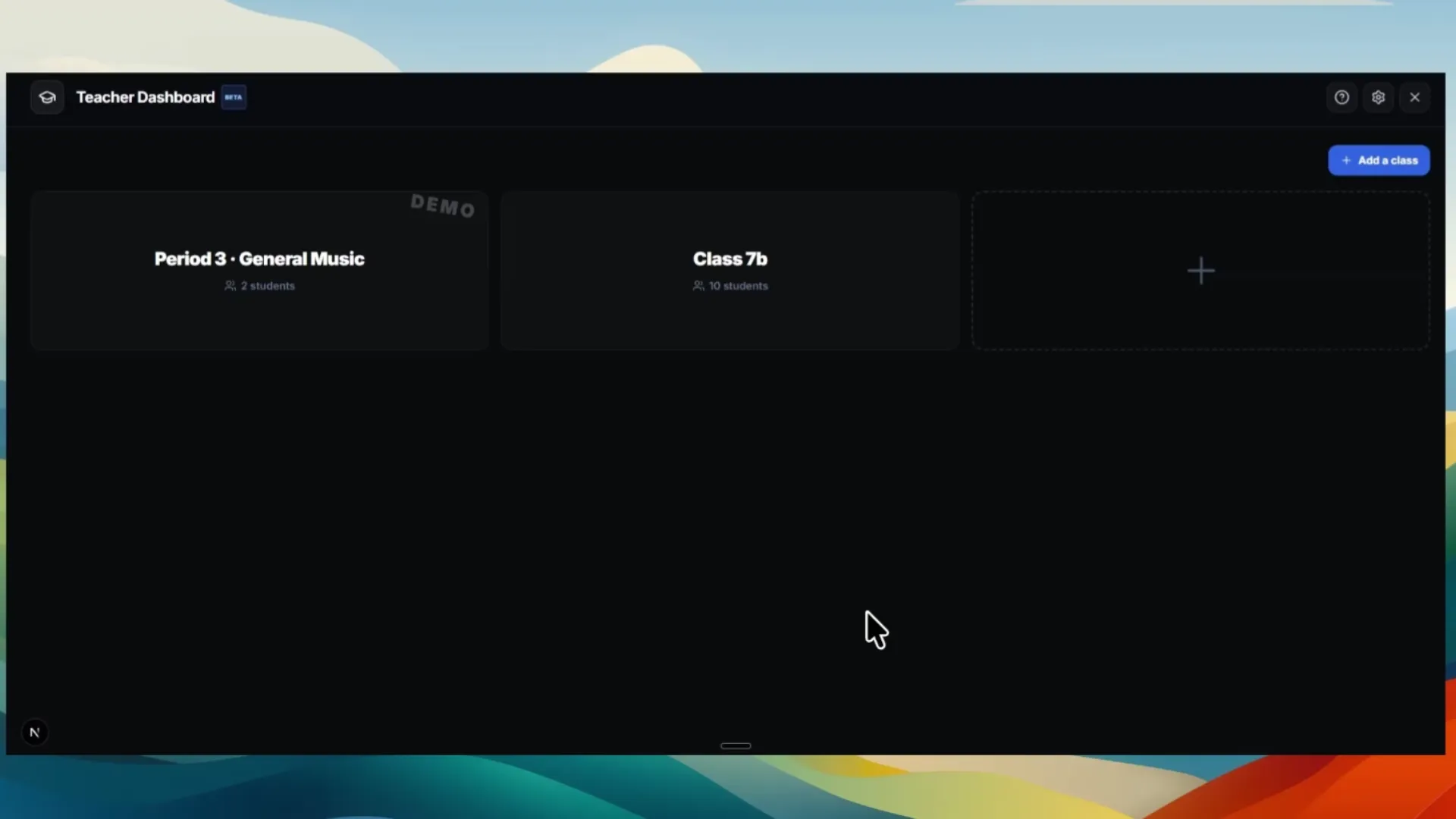
- Sí. Escribes una tarea con un título, un enunciado con tus propias palabras y una fecha de entrega opcional. Los alumnos entregan desde el estudio y cada entrega aparece en tu panel como audio que puedes reproducir, junto con el proyecto. Dejas un comentario y una nota desde la misma pantalla.
- ¿Puedo escuchar lo que ha hecho un alumno?
- Sí: reproduces la entrega directamente desde la lista, sin descargas ni exportaciones. También puedes abrir el proyecto en tu propio estudio para ver cómo está construido, y puedes entrar en la sesión en directo de cualquier alumno desde tu pantalla mientras trabaja.
- ¿Cumple con el RGPD?
- Sí. Todo funciona en nuestros propios servidores en Alemania, con un contrato de encargo conforme al art. 28 con Hetzner. Cuando un centro usa el aula, el centro es el responsable del tratamiento y nosotros actuamos solo según sus instrucciones; te facilitamos un contrato de encargo para firmar antes de usarlo en clase. Además, la analítica está desactivada durante toda la sesión de un alumno —sin Google Analytics, sin analítica de producto, sin grabación de sesiones— y eso está impuesto en el código, no delegado en un banner de cookies que un niño tendría que entender. Nuestra política de privacidad nombra a cada encargado, cada base legal y cada plazo de conservación.
- ¿Puedo desactivar las funciones de IA?
- Sí, con un interruptor en el panel, para toda una clase a la vez. Con la IA desactivada, no se envía nada a ningún proveedor de IA para esa clase. Útil para los cursos más pequeños, para exámenes o cuando la clase va de tocar y no de generar.
- ¿En qué dispositivos funciona?
- Make a Beat funciona por completo en el navegador: Chromebooks, iPads, Windows y Mac. No hay nada que instalar ni plugins, así que también funciona en los equipos gestionados del centro.
- ¿Mis alumnos necesitan conocimientos musicales previos?
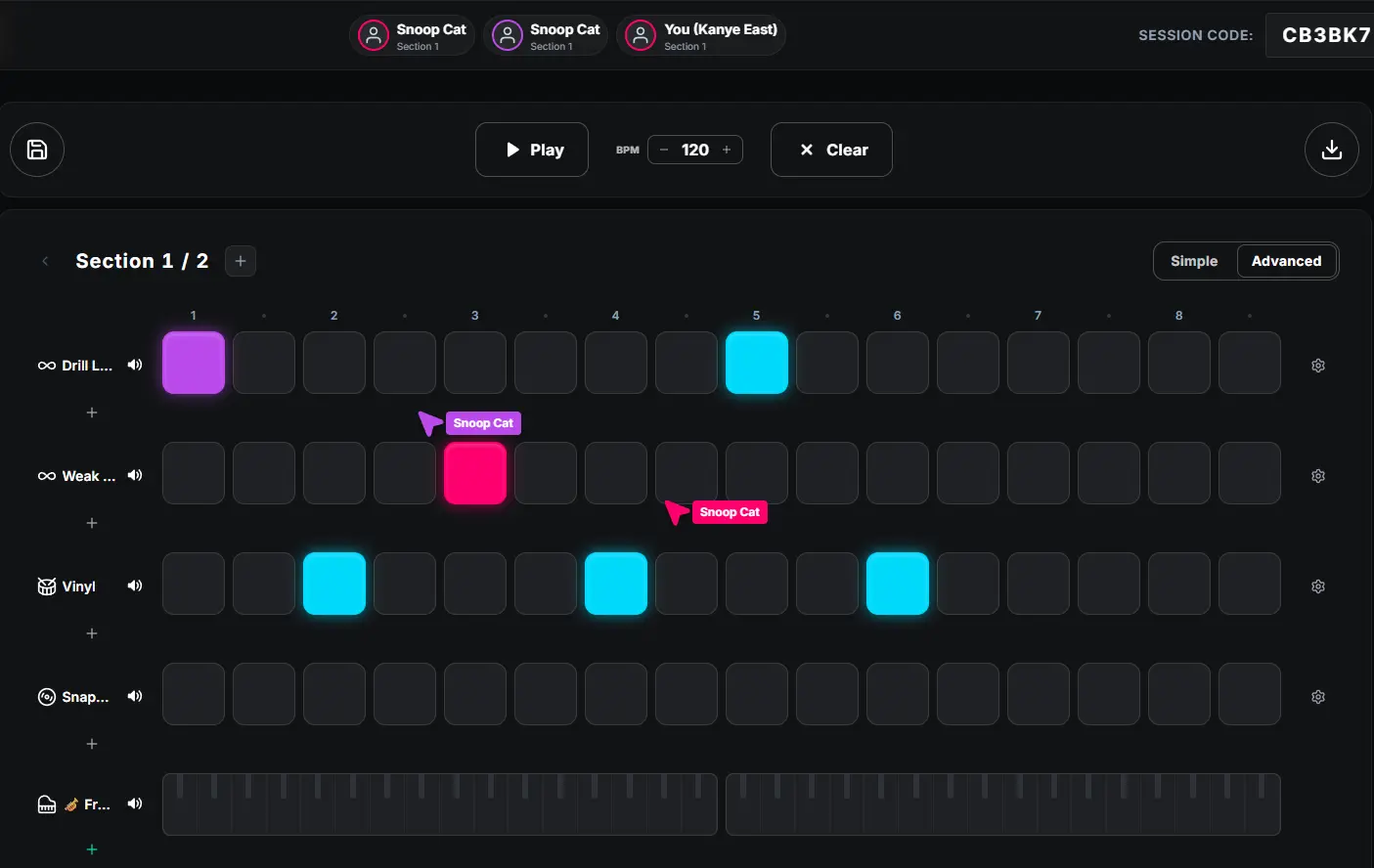
- No. El beatmaker está hecho para principiantes absolutos: los alumnos hacen clic en las casillas de una cuadrícula y oyen el resultado al instante, y el asistente de escalas mantiene todo en la tonalidad para que hasta los primeros intentos suenen bien.
- ¿Cómo funciona la licencia escolar?
- Hay tres —Clase, Centro y Distrito— con 50, 500 o 2000 cuentas de alumno respectivamente. Clase cubre a un solo profesor con todas las clases que quiera. A partir de Centro tienes además un administrador que añade y quita profesores, y cada profesor gestiona sus propias clases; una licencia Distrito hace lo mismo en varios centros desde un solo lugar. Cada licencia desbloquea el panel del profesor y todas las funciones premium para cada alumno, y tu centro recibe una única factura: sin pagos individuales de alumnos y sin suscripciones.
- ¿Cuánto cuesta?
- La lista de precios está arriba: la licencia es una cuota anual fija que ya incluye un número de alumnos, más una pequeña tarifa por cada alumno por encima de ese número, y esa tarifa baja cuanto mayor es la licencia. No se cobra nada antes de que lo hayas probado: la licencia Clase empieza con una prueba gratuita de 30 días en cuanto te registras como profesor, sin datos de pago. Para una licencia Centro o Distrito, envíanos un mensaje corto con el formulario y preparamos una prueba para tu centro.